
SimVS-IV free trial
Try SimVS-IV free for 14 days.
Turn the iPads you already have into working infusion pumps. Guided setup included. No credit card required.
What you need
- One iPad (Android works too) to run the pump
- A second tablet (recommended) so the instructor can run the scenario and send alarms, like an occlusion or air in line, from across the room
Trial includes
What's included
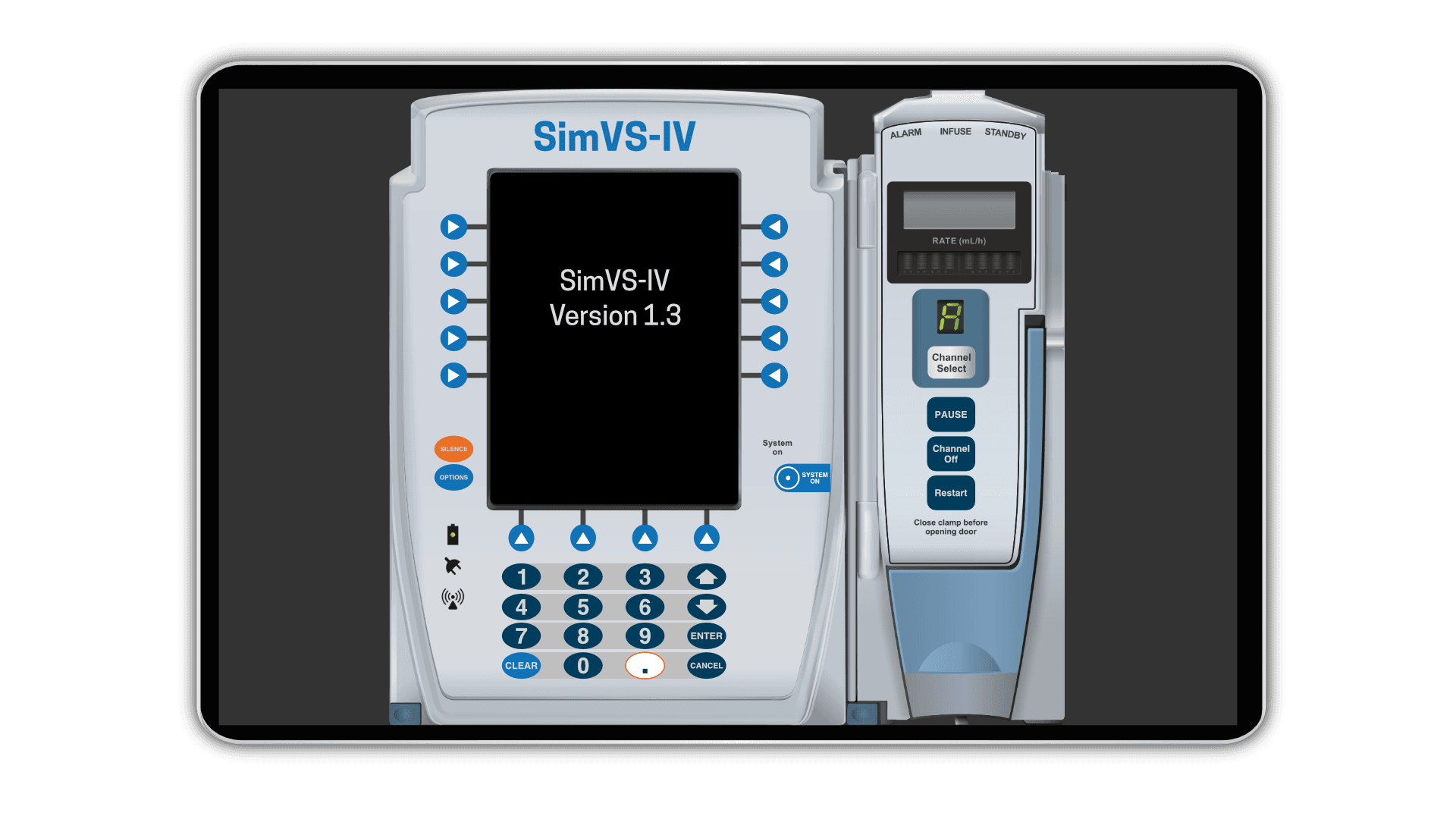
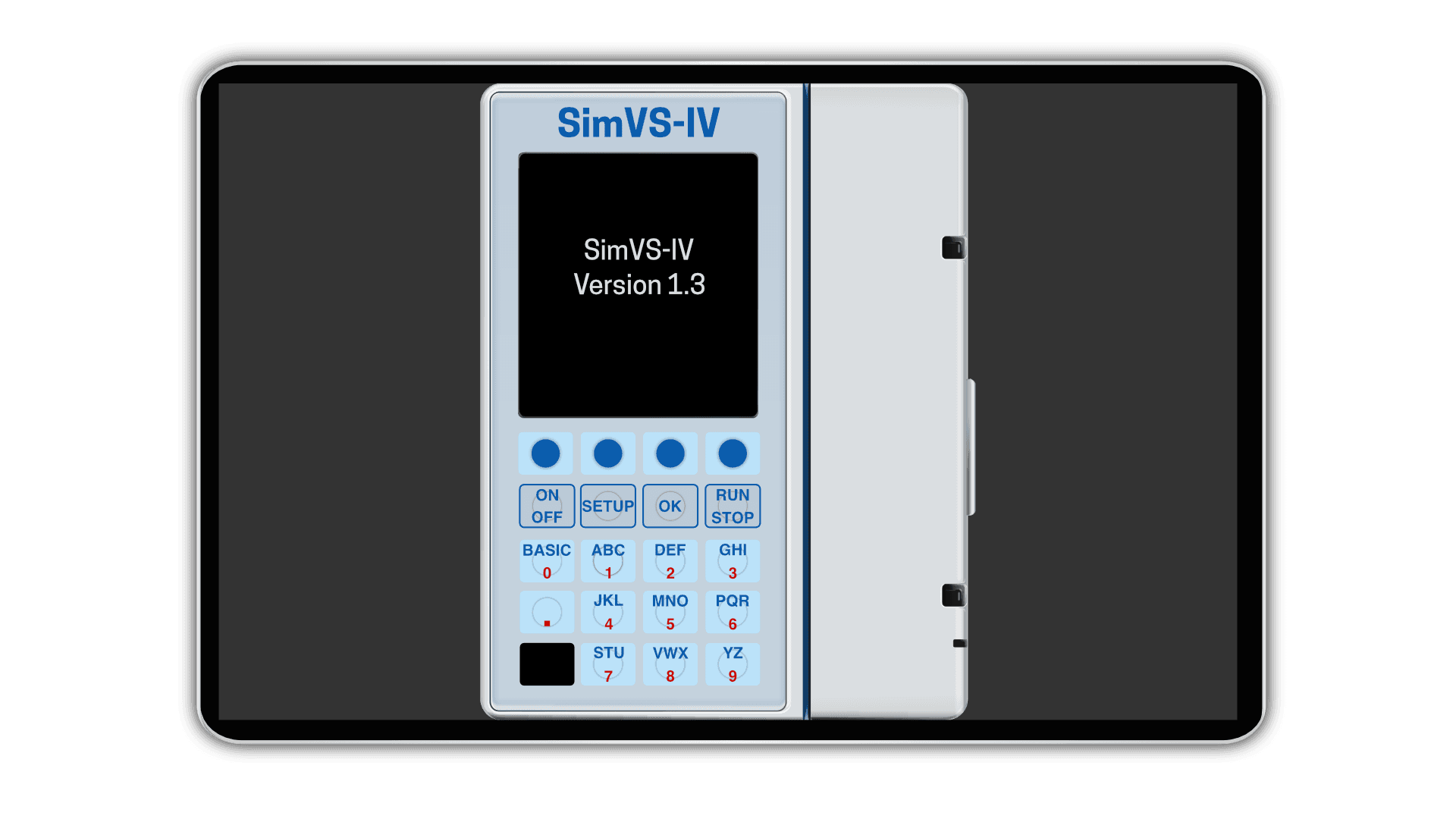
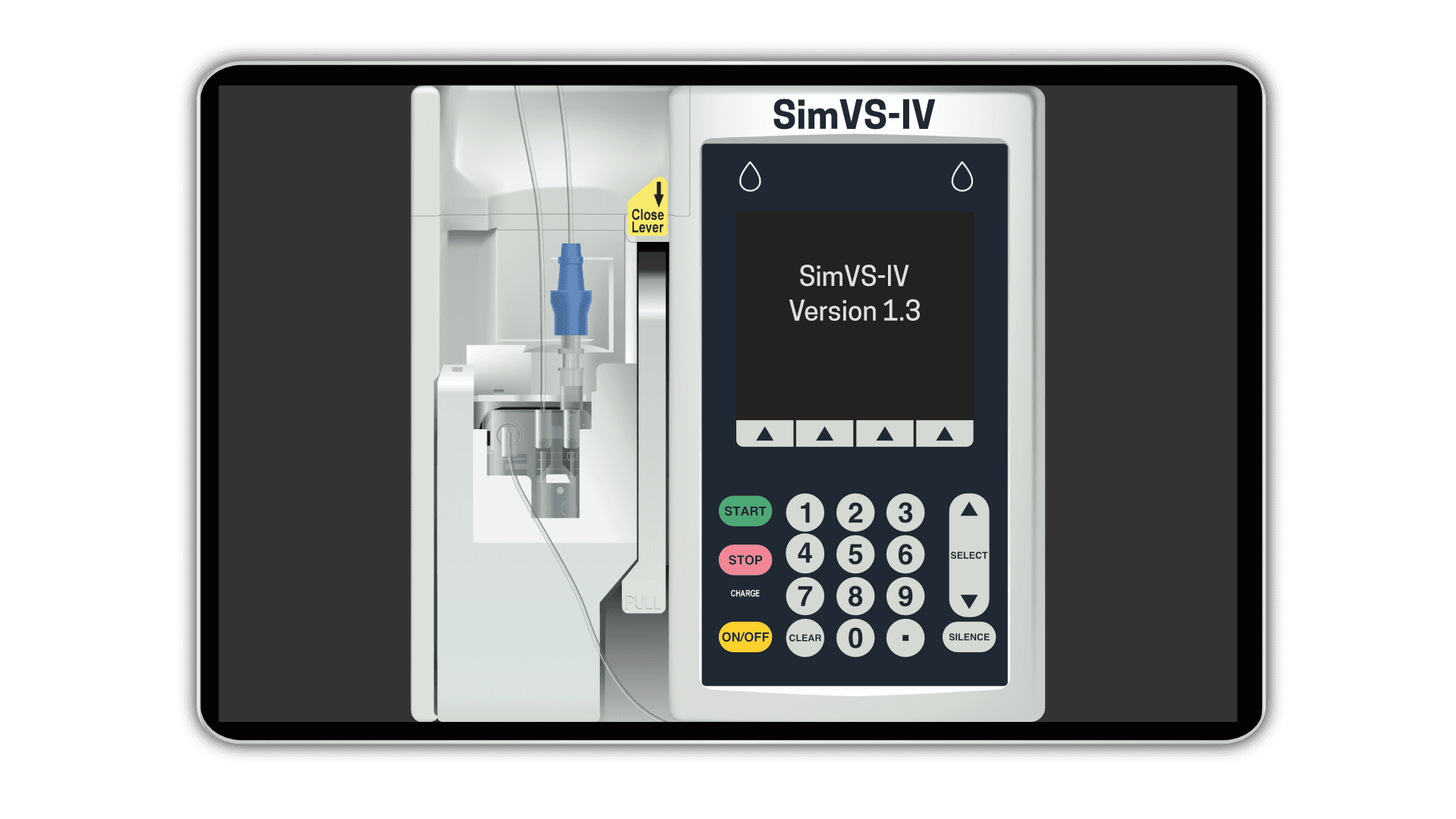
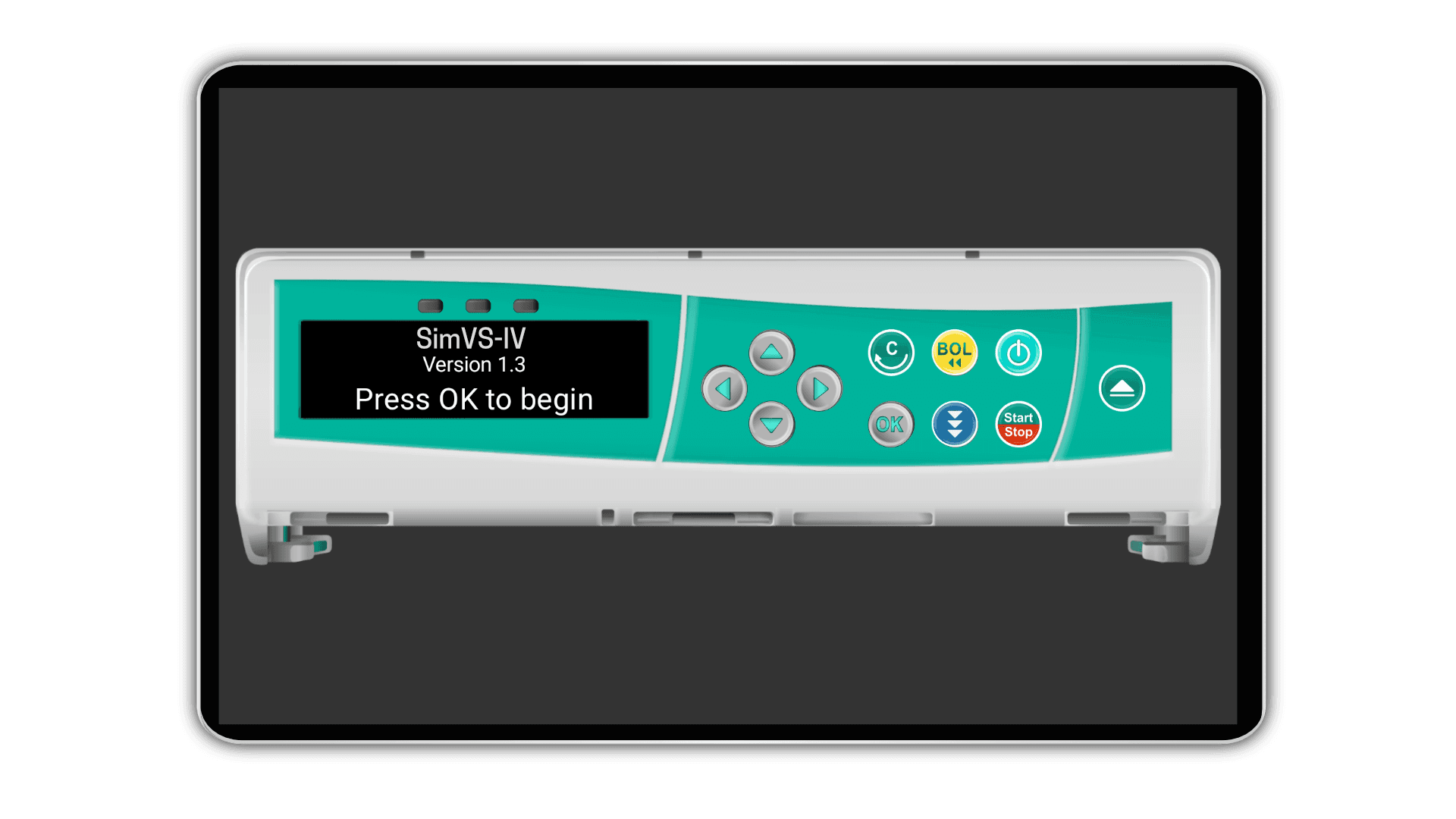
Pump screens students see in clinical
Four pump interfaces, plus a universal interface.
Real IV programming
Primary and secondary infusions, with a drug library you can edit.
12+ ready-to-run IV scenarios
Push a scenario to a student's pump from your tablet.
Instructor-controlled alarms and a debrief report
Send an occlusion or air-in-line alarm mid-infusion, then review the report after each run.
Guided setup call
Our team installs it with you and runs your first scenario.
Simple process
From request to first scenario
We handle setup and scheduling so your team can focus on instruction.
Guided setup support
A specialist joins your scheduled call to verify installs and answer questions.
- 1
Submit Request
Share your institution details and contact info
- 2
Schedule Setup
Pick a time for a guided installation call
- 3
Install Together
We walk you through setup on your devices
- 4
Run Scenarios
Full access for 14 days of evaluation
Get started
Request your free trial
Complete the form and we'll reach out within 1 to 2 business days to schedule your setup call.