Training
Patient assessment with SimVS Diagnostic Essentials
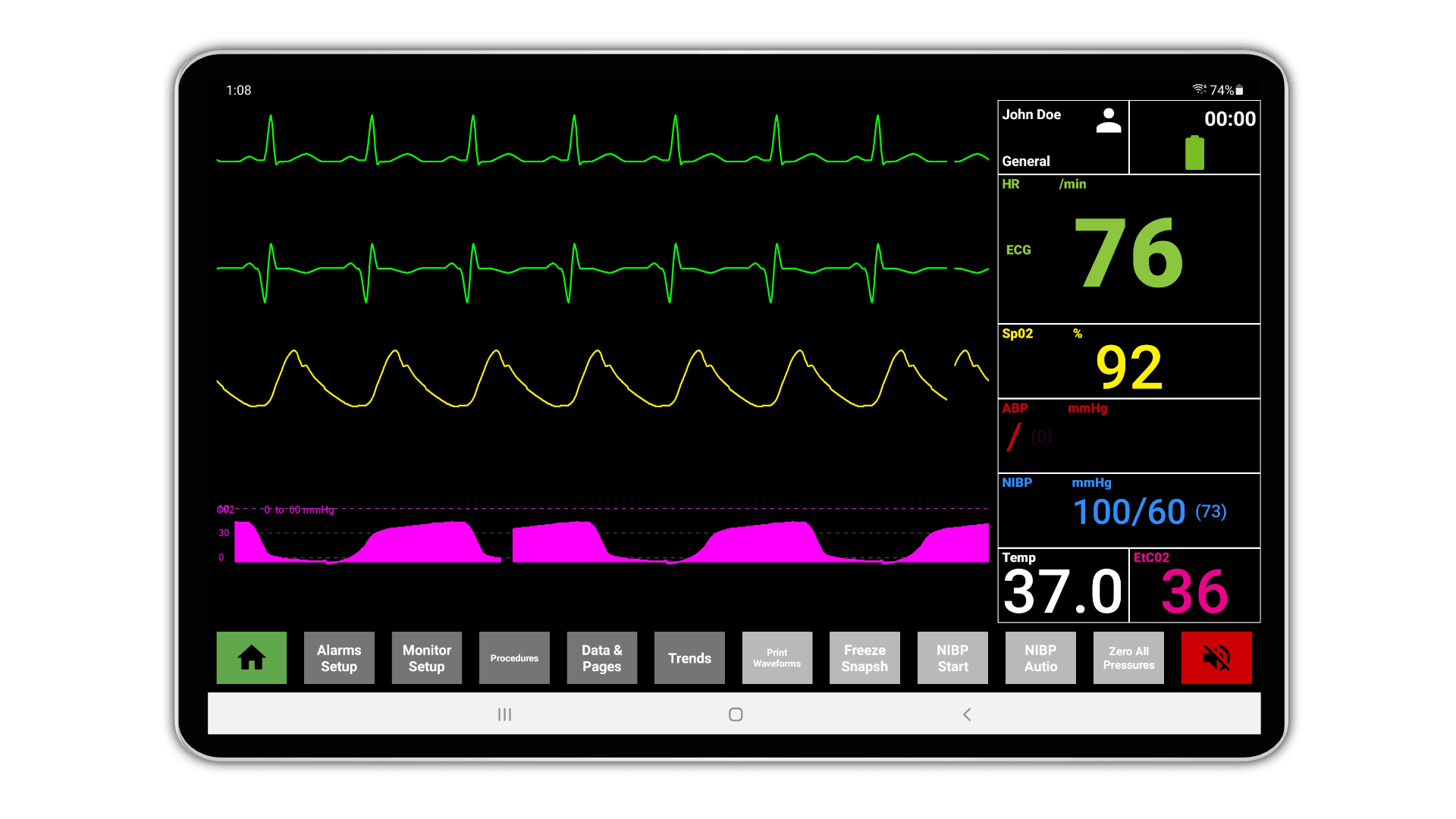
Vital signs that move, point-of-care devices on the student tablet, and one instructor controlling the whole session.
Why assessment skills are hard to build in a lab
Medical assistants and patient care technicians are often the first point of contact for a patient, and they are responsible for obtaining vital signs and running point-of-care tests. Those skills are difficult to practice well with equipment that never changes what it reports.
No real-time physiology: Traditional monitors do not show the dynamic changes in vital signs that real patients produce.
Limited hands-on practice: Students may not get enough time with modern diagnostic equipment in a realistic setting.
Instructor bandwidth: Running several students at once makes individual feedback hard to deliver.
What Diagnostic Essentials provides
Realistic vital signs cart: Students use the cart the way they would in a clinical setting, which builds familiarity before clinicals.
Integrated point-of-care devices: The student point-of-care tablet simulates a thermometer, glucometer, and pulse oximeter.
Preprogrammed scenarios and live control: Instructors run a prepared scenario or take control on the fly as the session develops.
What is in the package
Diagnostic Essentials covers vital signs monitoring, point-of-care testing, and the instructor controls needed to change a scenario while it runs.
See Diagnostic EssentialsConclusion
Assessment training improves when the numbers on the monitor respond to what the learner does. Simulated vital signs and point-of-care devices close some of the distance between the classroom and the floor — they do not remove the need for supervised clinical hours.