
Alerts
Send Call Bell, Bed, and IV Pump alerts from the instructor tablet and manage student responses.
The alerts system allows the instructor to send different types of clinical alerts to student devices. Students respond to these alerts through the Nurse Station Overview or through interactive clinical quizzes, with all activity logged in the Two-Way Feedback event log.
Sending Alerts (Instructor)
Open the Alerts Menu
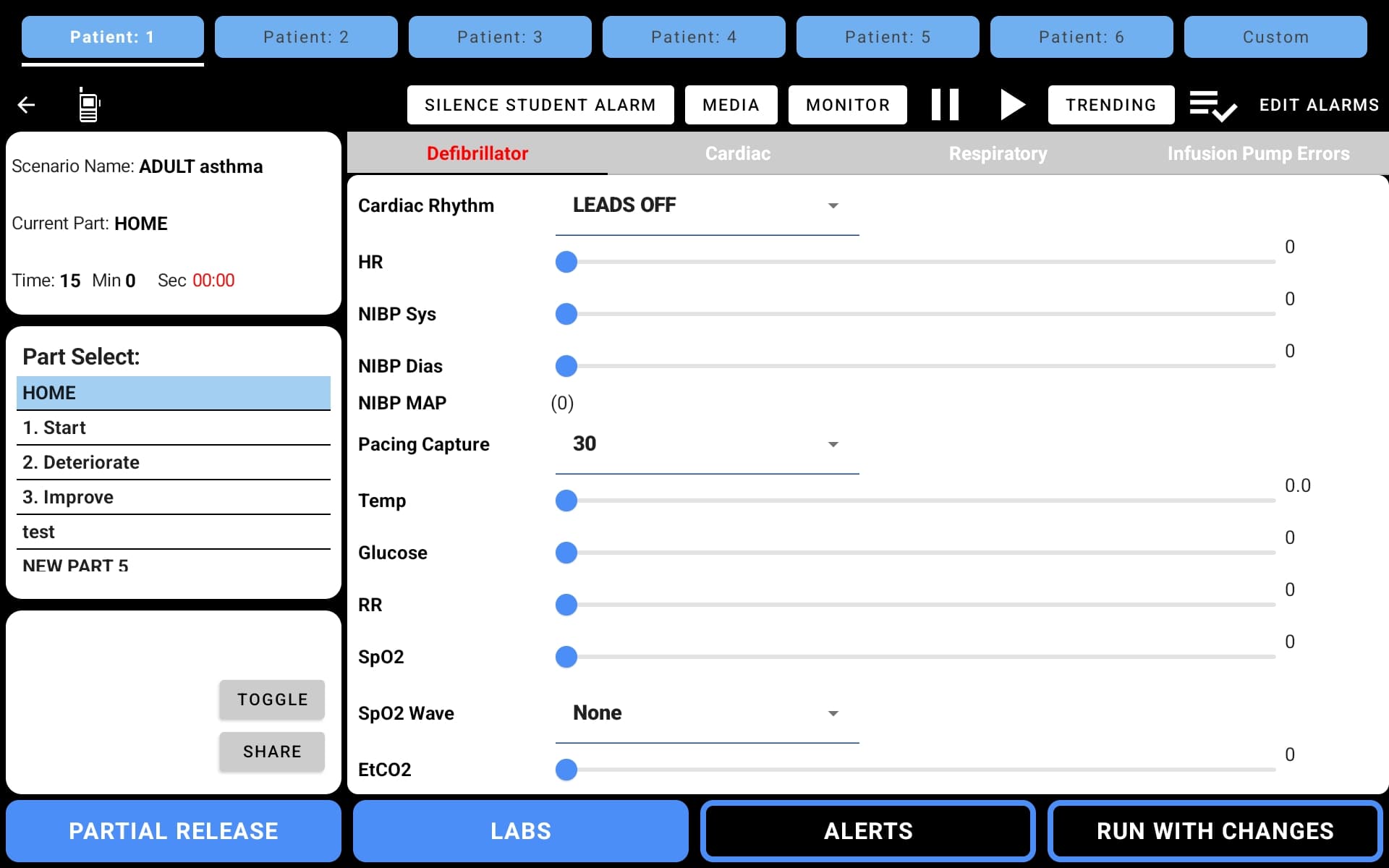
Tap the ALERTS button in the bottom toolbar of the instructor screen.
Select Alert Type and Patient
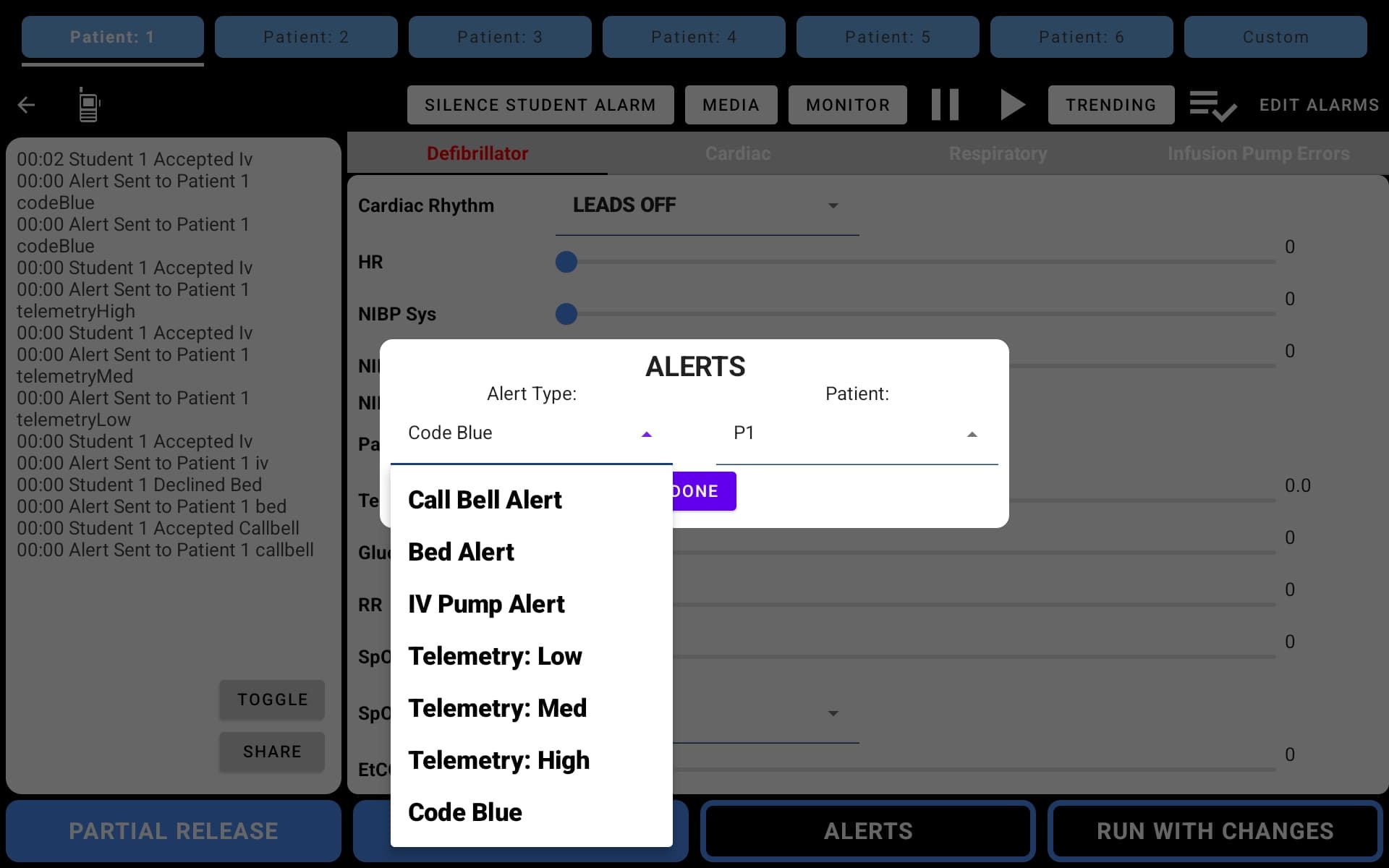
The Alerts dialog appears with two dropdowns:
- Alert Type — choose from Call Bell Alert, Bed Alert, or IV Pump Alert
- Patient — select the target patient to send the alert to
Send the Alert
Tap DONE to send the alert to the selected patient's student device. The event is immediately logged in the feedback panel (e.g., "00:07 Alert Sent to Patient 1: callbell").
Alert Types
| Alert Type | What It Does |
|---|---|
| Call Bell Alert | Simulates a patient pressing the nurse call button |
| Bed Alert | Simulates a bed-related alarm (e.g., bed exit) |
| IV Pump Alert | Plays an IV pump alert tone |
| Telemetry: Low | Sends a low-priority telemetry alert |
| Telemetry: Med | Sends a medium-priority telemetry alert |
| Telemetry: High | Sends a high-priority telemetry alert |
| Code Blue | Initiates a Code Blue emergency alert |
Receiving Alerts (Student)
How alerts appear on the student device depends on the alert type.
When the instructor sends an alert, the student receives it on the Nurse Call interface. The student can then respond using the CODE, CALL, or CANCEL buttons.
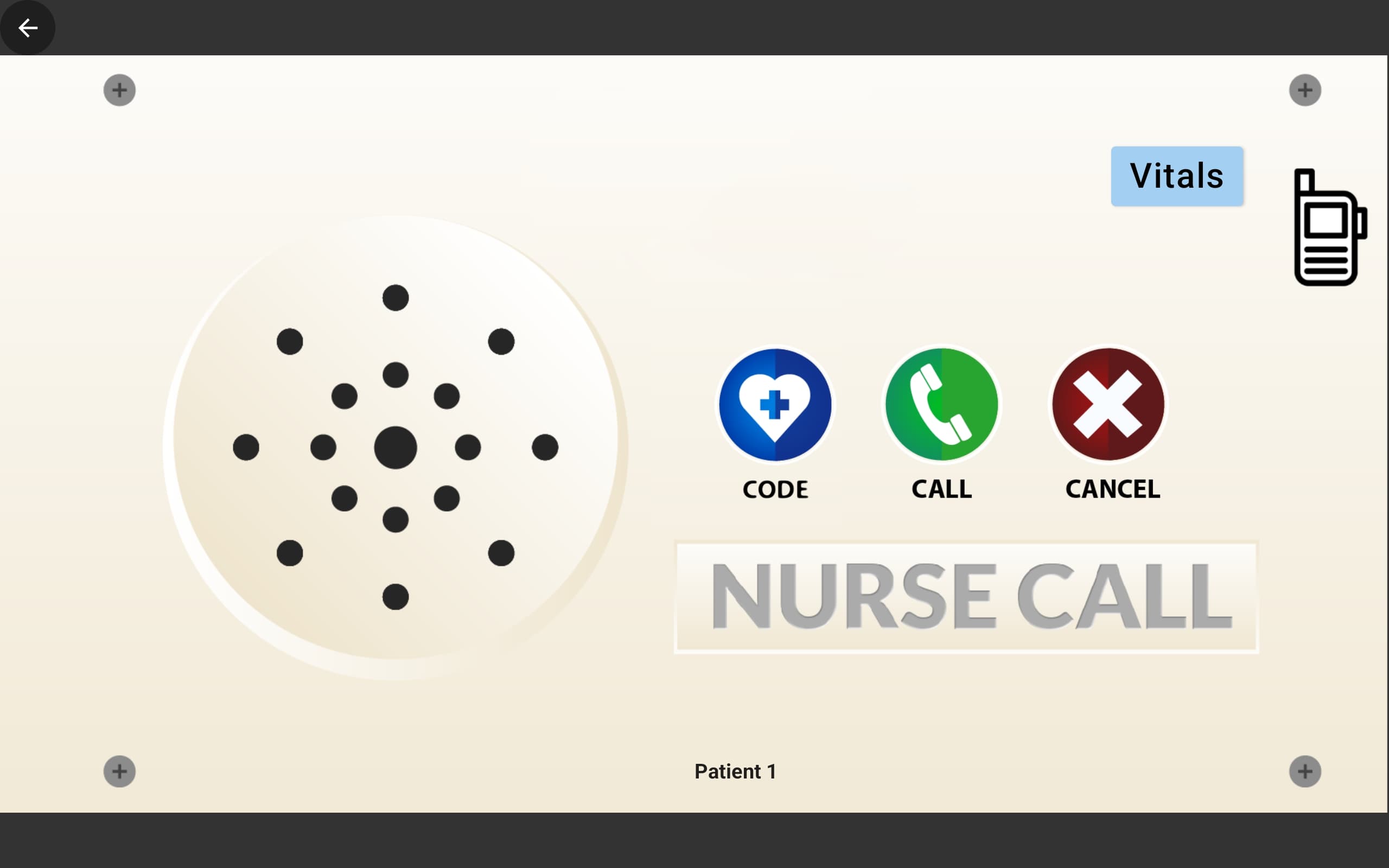
When an alert is received, a corresponding audible sound or alarm will play through the Nurse Call bell interface, matching the type of alert that was sent. All student responses are logged in the instructor's event log.
Student-Initiated Calls and Codes
Students can independently initiate calls and codes from the Nurse Call screen without instructor action.
| Button | Action | When to Use |
|---|---|---|
| CODE (blue) | Calls a code for emergency assistance | Patient emergency requiring a rapid response |
| CALL (green) | Requests general assistance | Non-emergency patient need |
| CANCEL (red) | Cancels the active call or code | Cancel a mistaken or resolved request |
All student-initiated calls and codes are logged in the instructor's Two-Way Feedback event log with timestamps.
Event Log Integration
Every alert sent and every student response (Accept, Decline, quiz answer, Code, Call) is automatically recorded in the two-way feedback panel. Use the SHARE button to export the full log after the scenario.