Hospital Series Manual
Complete guide to SimVS Hospital patient monitors, defibrillator simulators, scenarios, and instructor operations.
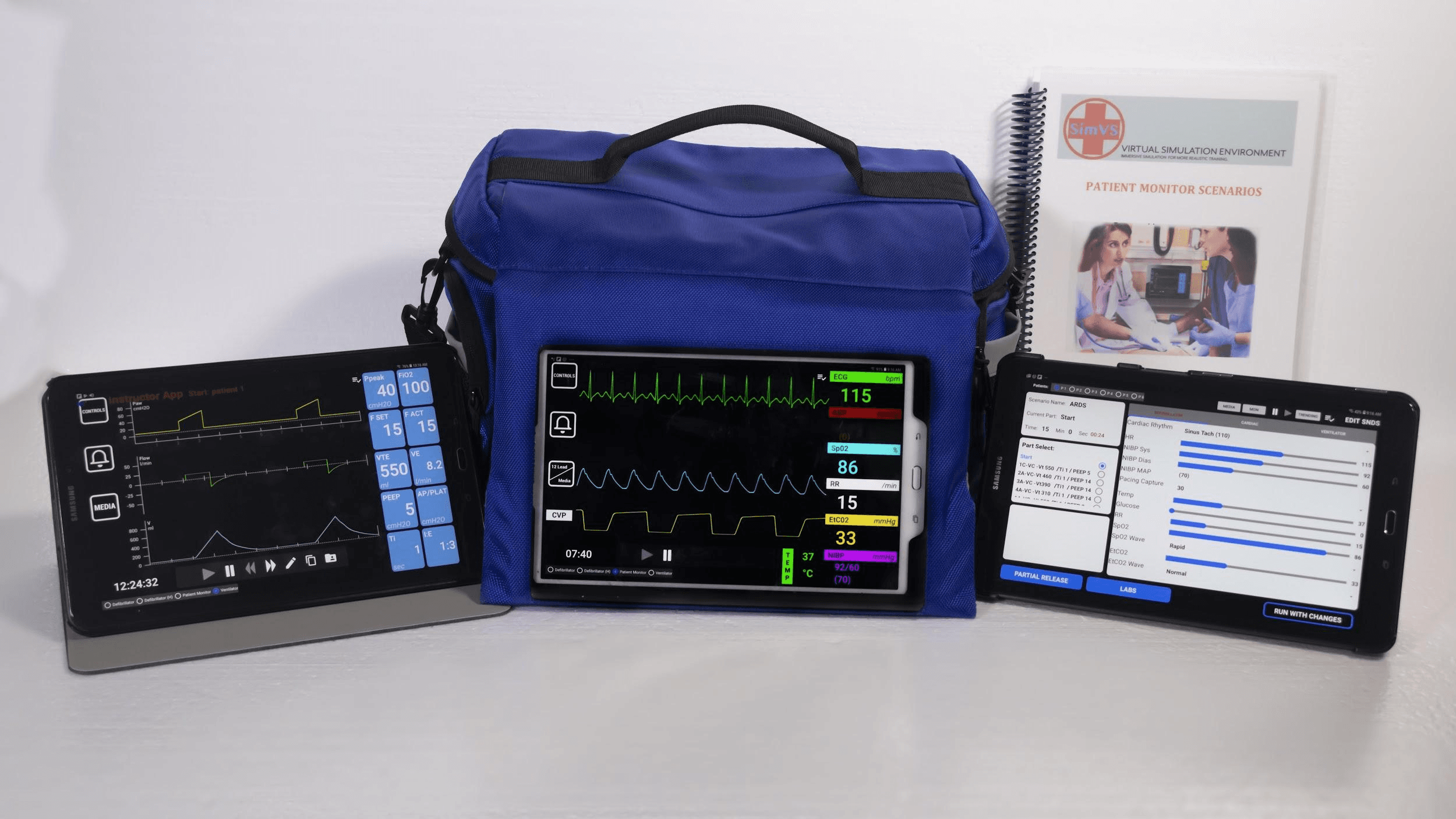
Key Features
The SimVS Hospital Series simulator supports the following capabilities:
- Patient Monitor — realistic hospital bedside monitor with live waveforms and vitals
- SimVS-X Defibrillator — full defibrillator simulator with pacing, cardioversion, and 12-lead EKG
- Mechanical Ventilator — ventilator display with pressure, flow, and volume waveforms for respiratory therapy
- Fetal Heart Monitor — electronic fetal monitoring with FHR tracing and contraction patterns
- Scenario Library — pre-built clinical scenarios covering cardiac, respiratory, OB, trauma, and more
- Custom Scenarios — create, copy, and edit scenarios with granular physiology control
- Checklists & Debriefing — time-stamped performance checklists for assessment and review
- Telemetry — multi-patient telemetry display for up to 4 patients simultaneously
- Trending — real-time parameter trending within scenario parts
Getting Started
Setup & Licensing
What's in the box, connecting devices, and managing licenses.
Quick Start
Get up and running in minutes — launch a monitor, start a scenario, and learn the two control modes.
Scenario Library
Browse, launch, and advance through pre-built clinical scenarios.
Display Interfaces
The Hospital Series includes multiple display interfaces on the student tablet — defibrillators, a hospital patient monitor, a mechanical ventilator, a fetal heart monitor, and a multi-patient telemetry display.
SimVS-X Defibrillator
X-Series defibrillator interface with pacing, cardioversion, shock, and 12-lead EKG.
SimVS LP-15 Defibrillator
LP-15 defibrillator interface with speed dial controls, pacing, cardioversion, and defibrillation.
Hospital Monitor
Patient monitor interface with waveforms, vitals, and toolbar functions.
Mechanical Ventilator
Ventilator display with pressure, flow, and volume waveforms for respiratory therapy training.
Fetal Heart Monitor
Electronic fetal monitoring with FHR tracing, TOCO contraction patterns, and maternal vitals.
Telemetry
Multi-patient telemetry display for up to 4 simultaneous patients.
Instructor Features
Instructor Overview
A guided tour of the instructor interface — all the tools and features available to you.
Creating Scenarios
Create new scenarios, copy existing ones, and edit scenario parts and checklists.
Online Scenario Creation
Create and manage scenarios from any web browser using the SimVS Portal.
Checklists
Performance checklists with time-stamped scoring and debriefing tools.
Media
Send 12-lead EKGs, manage media folders, and upload custom images.
Alarms
Configure physiologic alarm ranges for monitored parameters.
Trending
Set variable parameters that trend over time within a scenario part.