Nurse Call Series Manual
Complete guide to the SimVS Nurse Call system — alerts, walkie-talkie communication, two-way feedback, multi-patient scenarios, and telecom.
License Note
Some features and functionality of SimVS are not available with the Nurse Call license alone. Contact us at simvs.com/contact to learn about additional features.
Key Features
The SimVS Nurse Call Series supports the following capabilities:
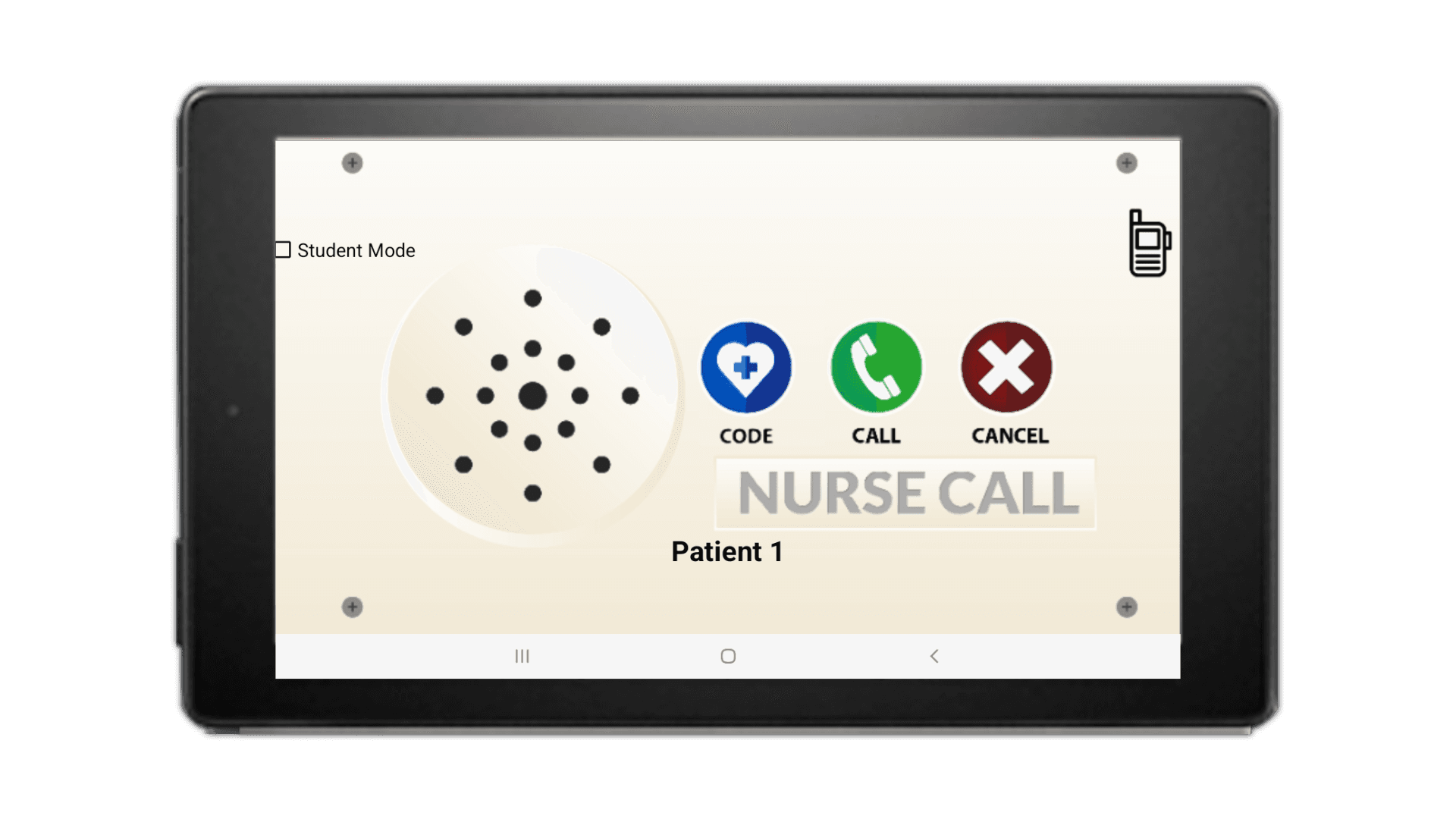
- Nurse Call Bell — student-facing call bell interface with CODE, CALL, and CANCEL buttons for realistic bedside communication
- Walkie-Talkie — real-time voice communication between instructor and student devices via built-in walkie-talkie
- Alerts System — instructor sends Call Bell, Bed, and IV Pump alerts to specific patients; students respond with Accept/Decline
- Two-Way Feedback — time-stamped event log tracking all alerts, responses, and codes throughout a scenario
Package Contents
- 2 Samsung Tablets (one instructor, one student)
- Nurse Call Bell
- Mounting Hardware
- One (1) Router
- One (1) Carry Case
- One (1) Year Limited Warranty
Getting Started
Connection & Setup
Connect your devices to WiFi, launch the app, and verify the instructor-student connection.
Alerts
Send Call Bell, Bed, and IV Pump alerts to students and manage their responses.