
Walkie-Talkie
Use walkie-talkie communication between Nurse Station and bedside devices.
The walkie-talkie button provides direct push-to-talk communication between the Nurse Station and bedside devices during a live session.
Use it when staff at the Nurse Station need to speak directly with a bedside learner, or when a bedside learner needs to communicate back during a patient call workflow.
Where It Appears
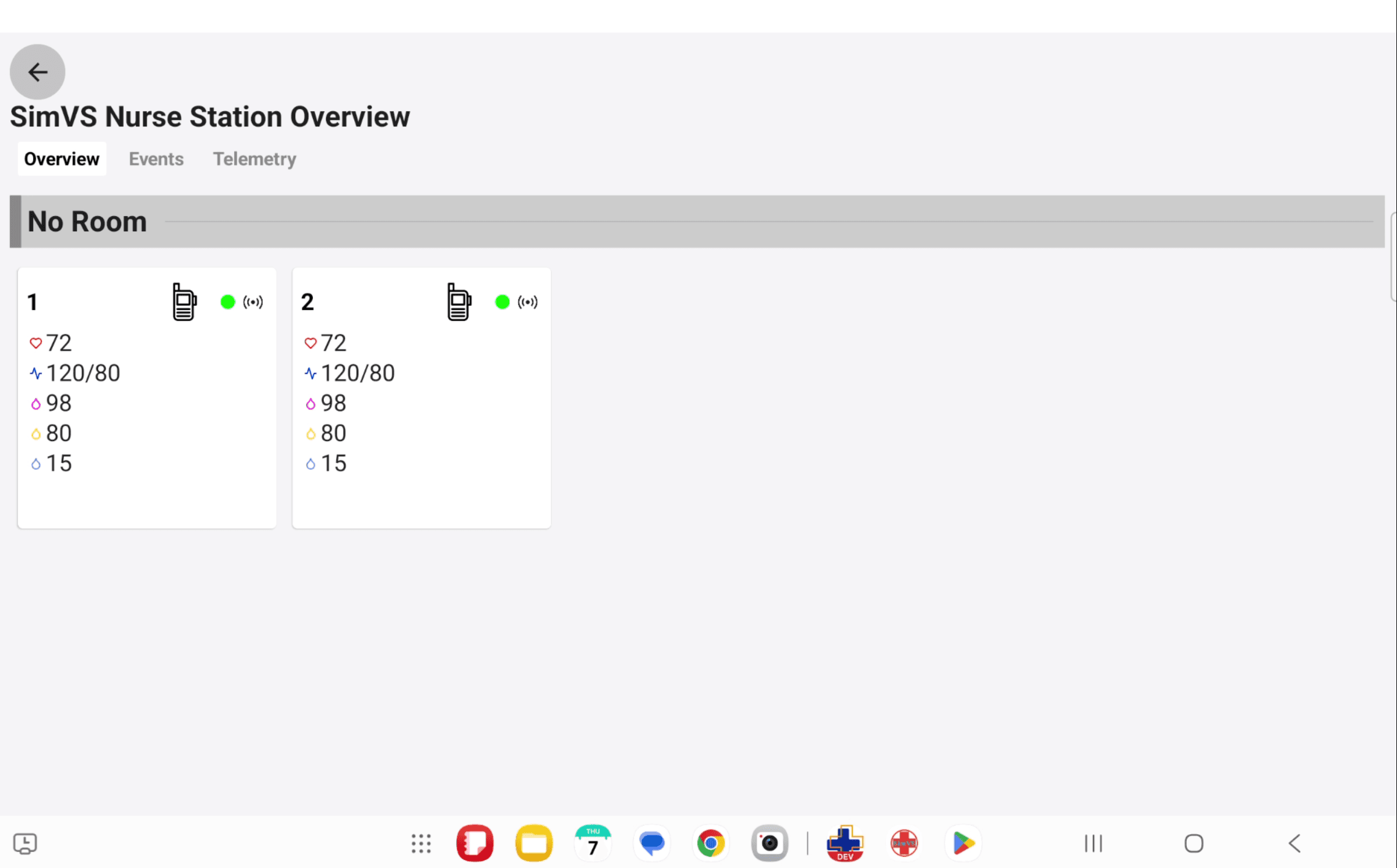
The walkie-talkie icon appears on active patient cards in the Nurse Station interface. Use the icon for the patient you want to communicate with.
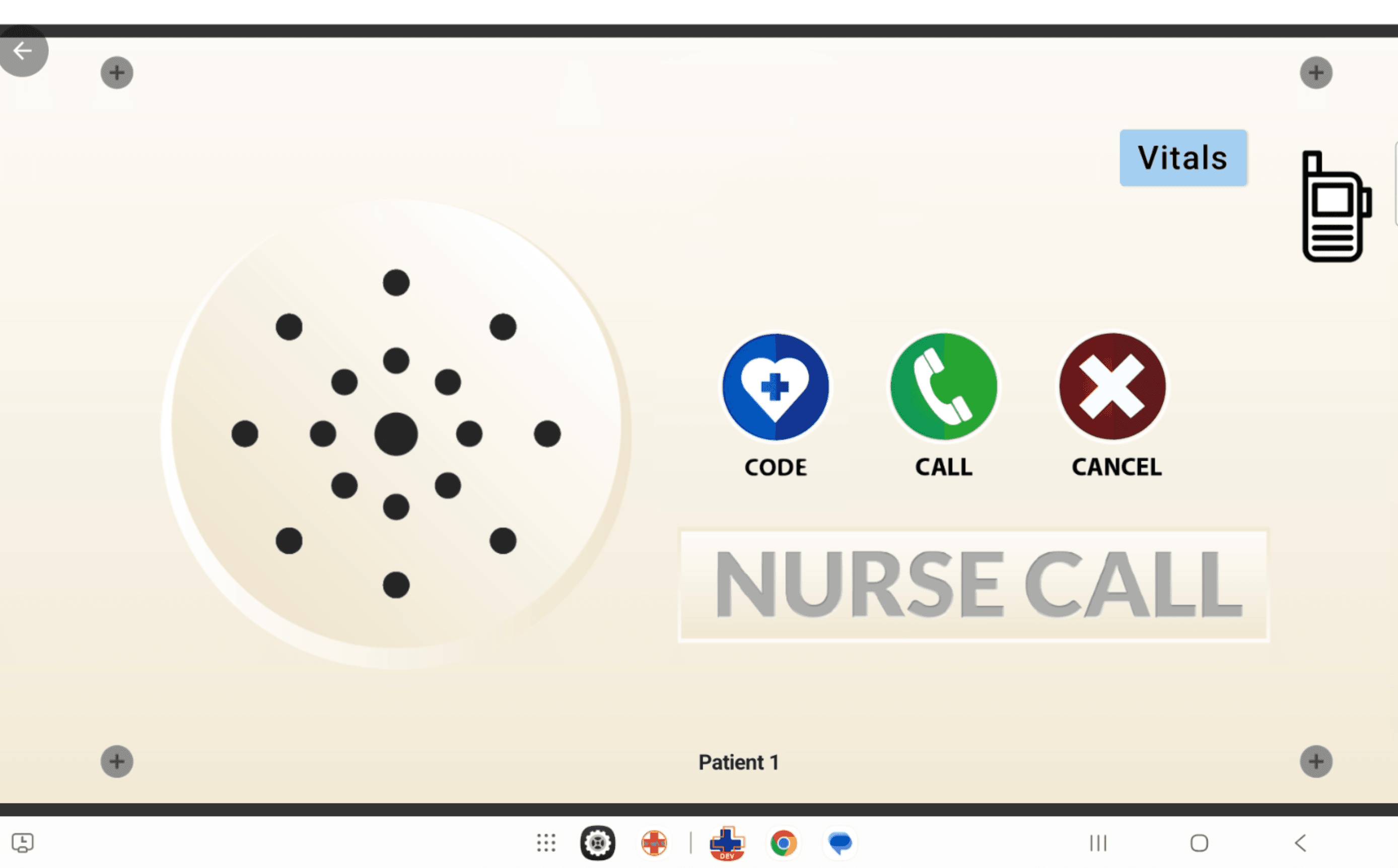
The bedside Nurse Call interface also includes a walkie-talkie icon. This is the bedside side of the same communication workflow.
Push-To-Talk Communication
Select The Patient
On the Nurse Station dashboard, identify the patient card for the bedside device you want to contact.
Press The Walkie-Talkie Button
Press and hold the walkie-talkie button to speak. Release the button when you are finished talking.
Listen For The Response
The bedside learner can respond through the same walkie-talkie workflow from the Nurse Call interface.
During A Scenario
Walkie-talkie communication is useful when instructors want the Nurse Station role to communicate directly with a bedside learner without leaving the simulated workflow.
Common uses include:
- confirming a patient request after a call bell
- giving the bedside learner short operational instructions
- coordinating between the Nurse Station role and bedside role during multi-patient scenarios
- keeping communication inside the simulation instead of using out-of-character conversation