
Interface Overview
Understand the Nurse Station Overview, Events, and Telemetry tabs.
Use this page to orient instructors and operators to the main Nurse Station interface during a live session.
The Nurse Station interface is organized around three tabs: Overview, Events, and Telemetry. Most live session monitoring happens from the Overview tab.
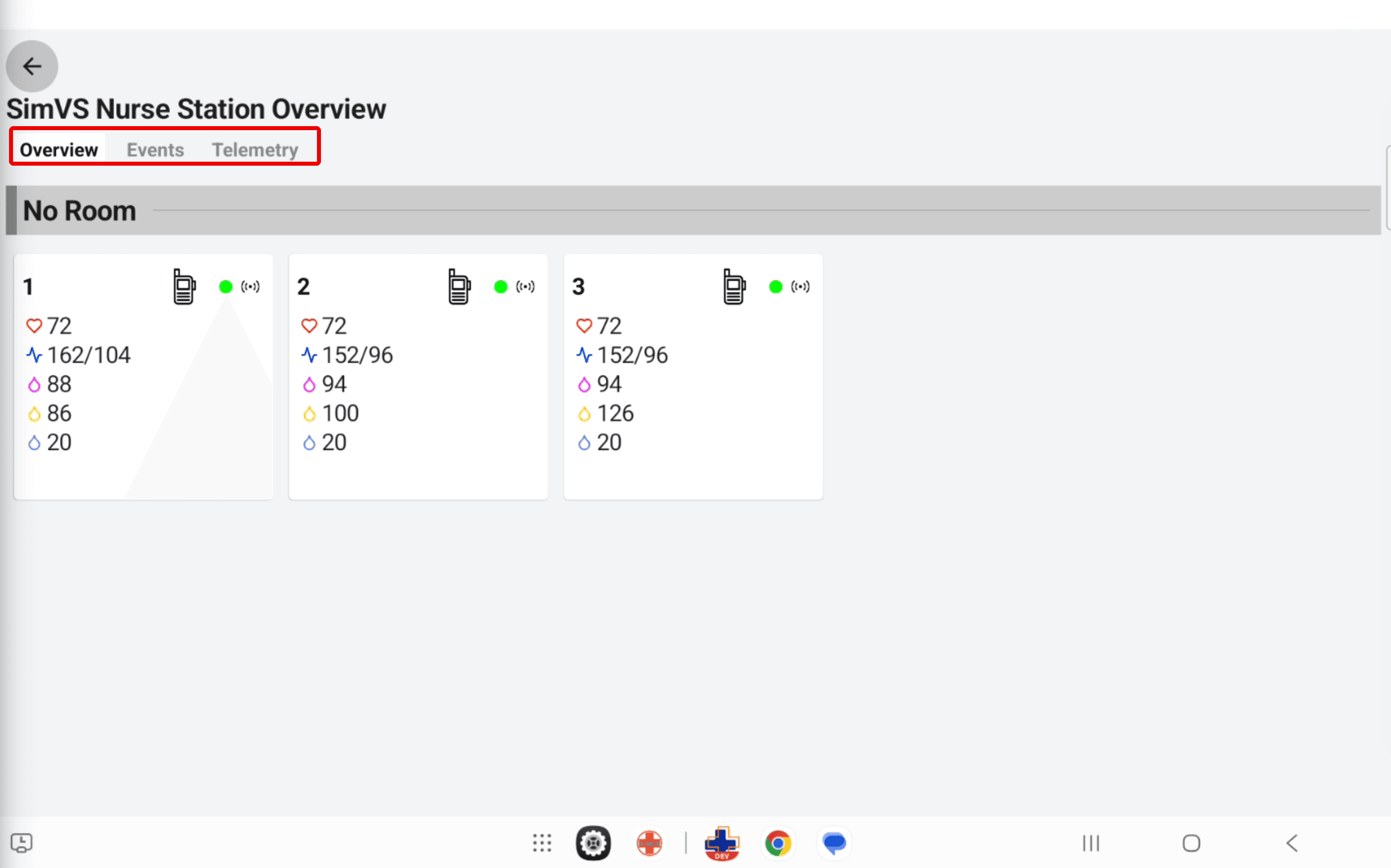
Overview Tab
The Overview tab is the primary live monitoring view. It shows each active patient card, current vital signs, device connection status, and any active alert or response controls.
Events Tab
The Events tab shows a chronological record of session activity, including instructor-sent alerts, learner responses, and accepted or declined calls.
Telemetry Tab
The Telemetry tab gives operators a monitoring-focused view for active patients when the session needs a more telemetry-centered display.