
Setup & Connection
What's in the box, how to connect Nurse Station devices, and what to verify before running a multi-patient session.
Package Contents
The SimVS Nurse Station Series is a multi-patient simulation system built around a central nurse station display and bedside tablets. Each system includes the software needed for multi-patient monitoring, alert response, audio communication, response-time tracking, and the Multi-Patient Curriculum.
Hardware
The SimVS Nurse Station includes:
| Component | Quantity |
|---|---|
| Nurse Station Tablet (12") | 1 |
| Instructor Tablet (12") | 1 |
| Bedside Tablets (8") | 4 |
| Point-of-Care Tablet (8") | 1 |
| Tablet Cases with Keyboard | 2 |
| SimVS Wireless Router | 1 |
| Mounting Hardware Kit | Included |
Larger labs add 8" bedside tablets one at a time, each with its own license. The SimVS EHR Cart and SimVS Door Alarm are optional add-ons.
Device Roles
Nurse Station Tablet
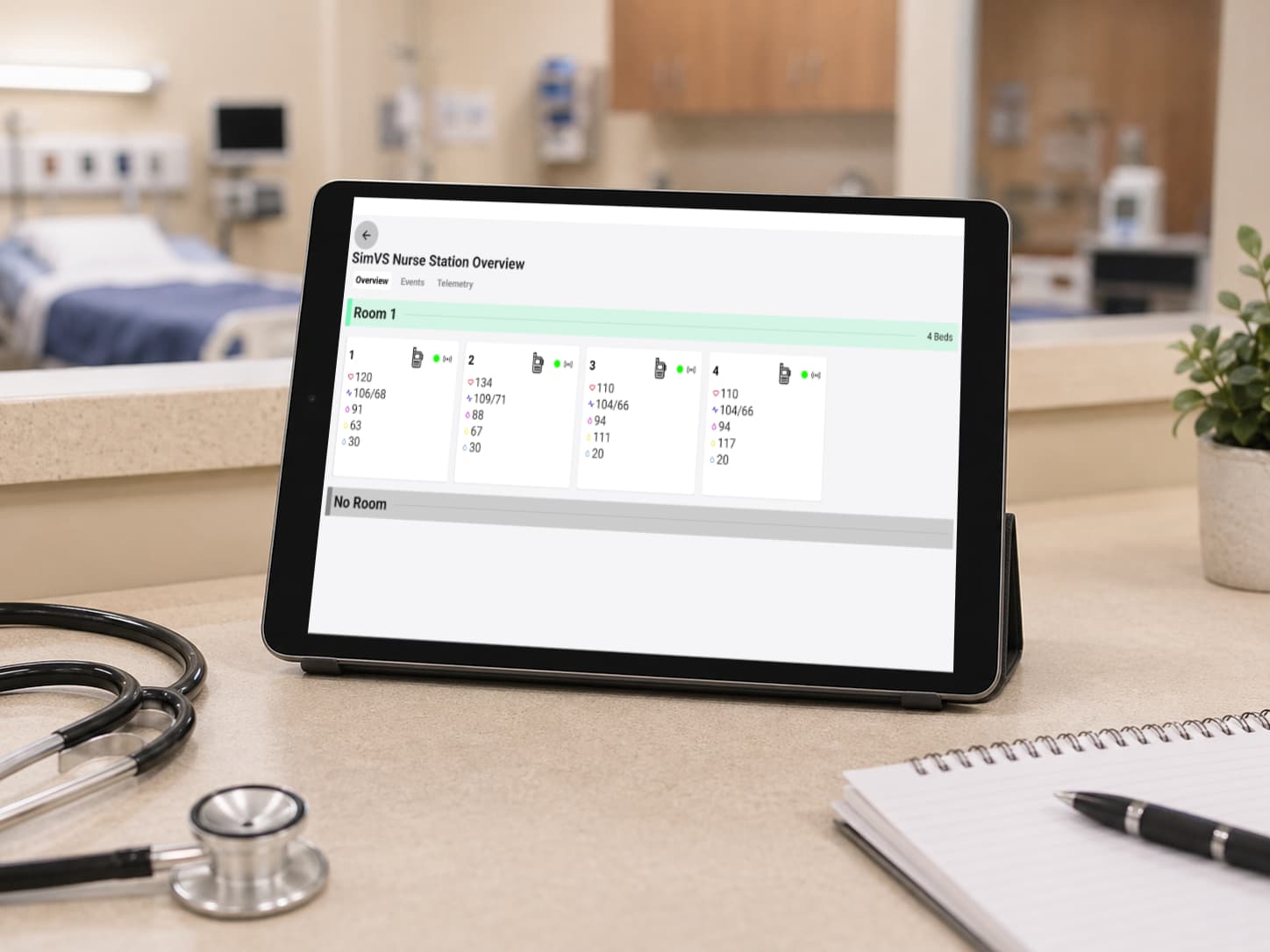
The Nurse Station Tablet is the central display for monitoring multiple patients from the nurse station. It shows patient cards, vital signs, alert status, response controls, and communication indicators in one multi-bed view.
Instructor Tablet
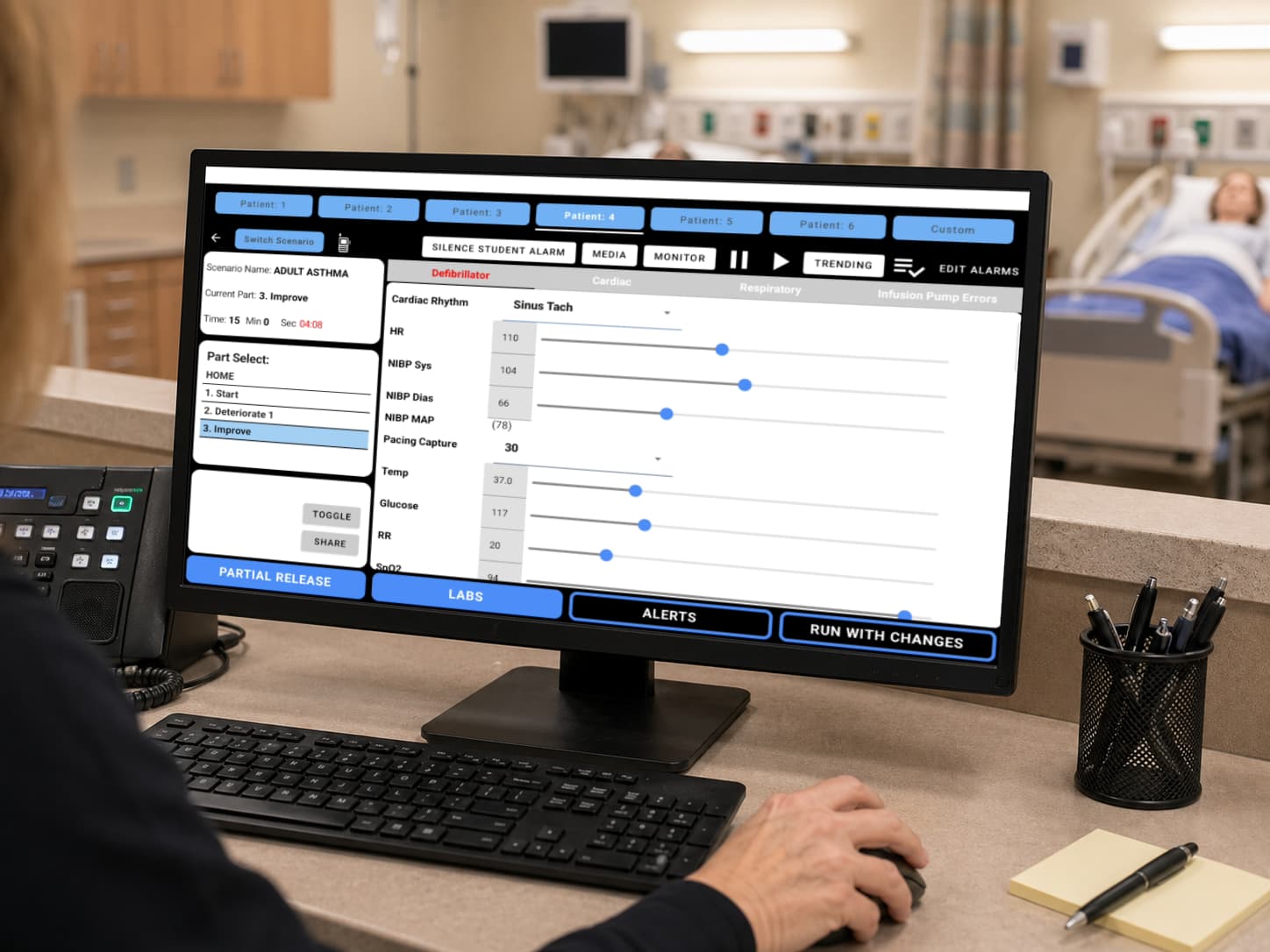
The Instructor Tablet is the control device used to manage the simulation. Instructors use it to adjust patient status, manage scenario flow, send alerts, silence alarms, and coordinate student interactions.
Bedside Tablets
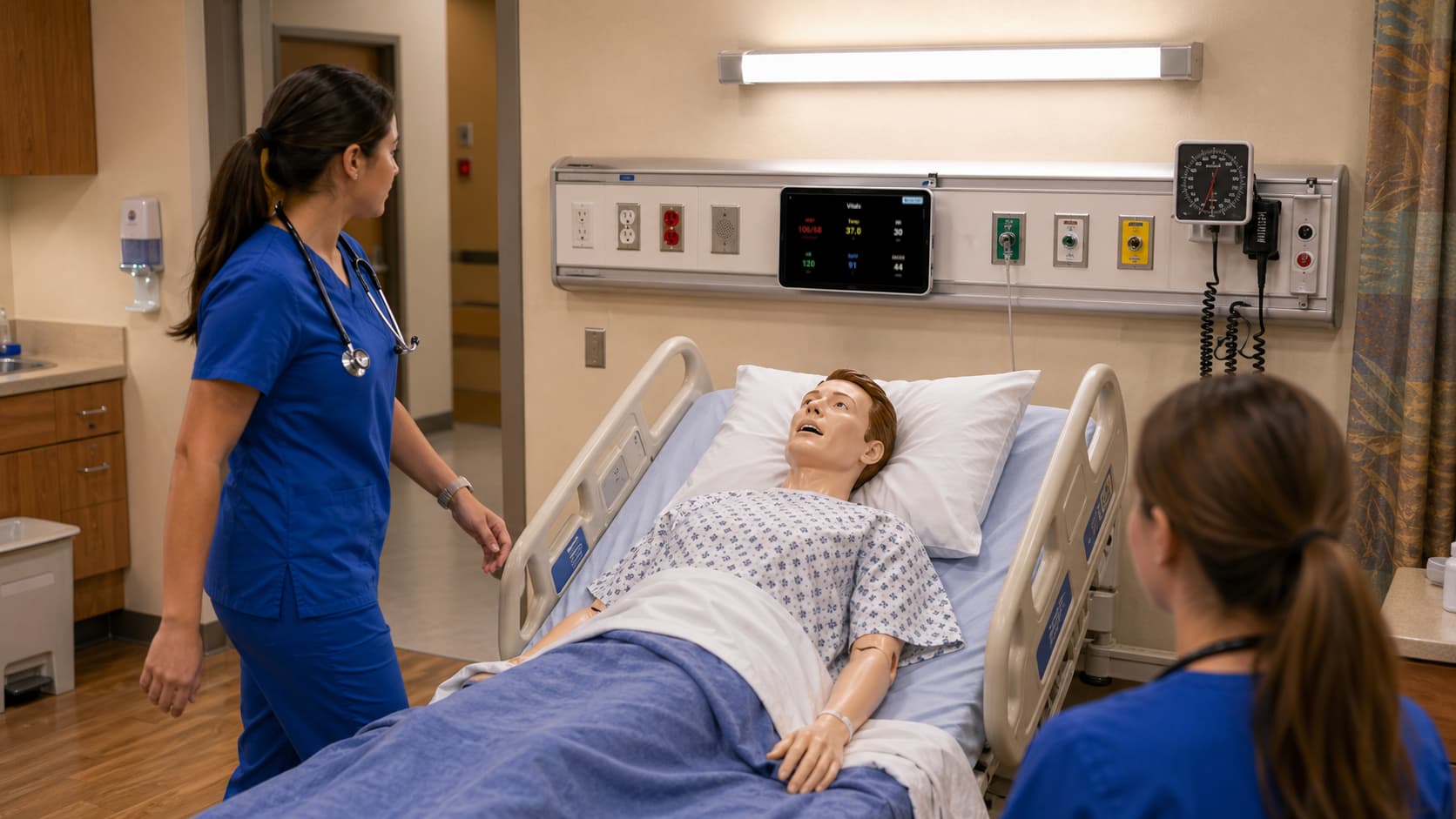
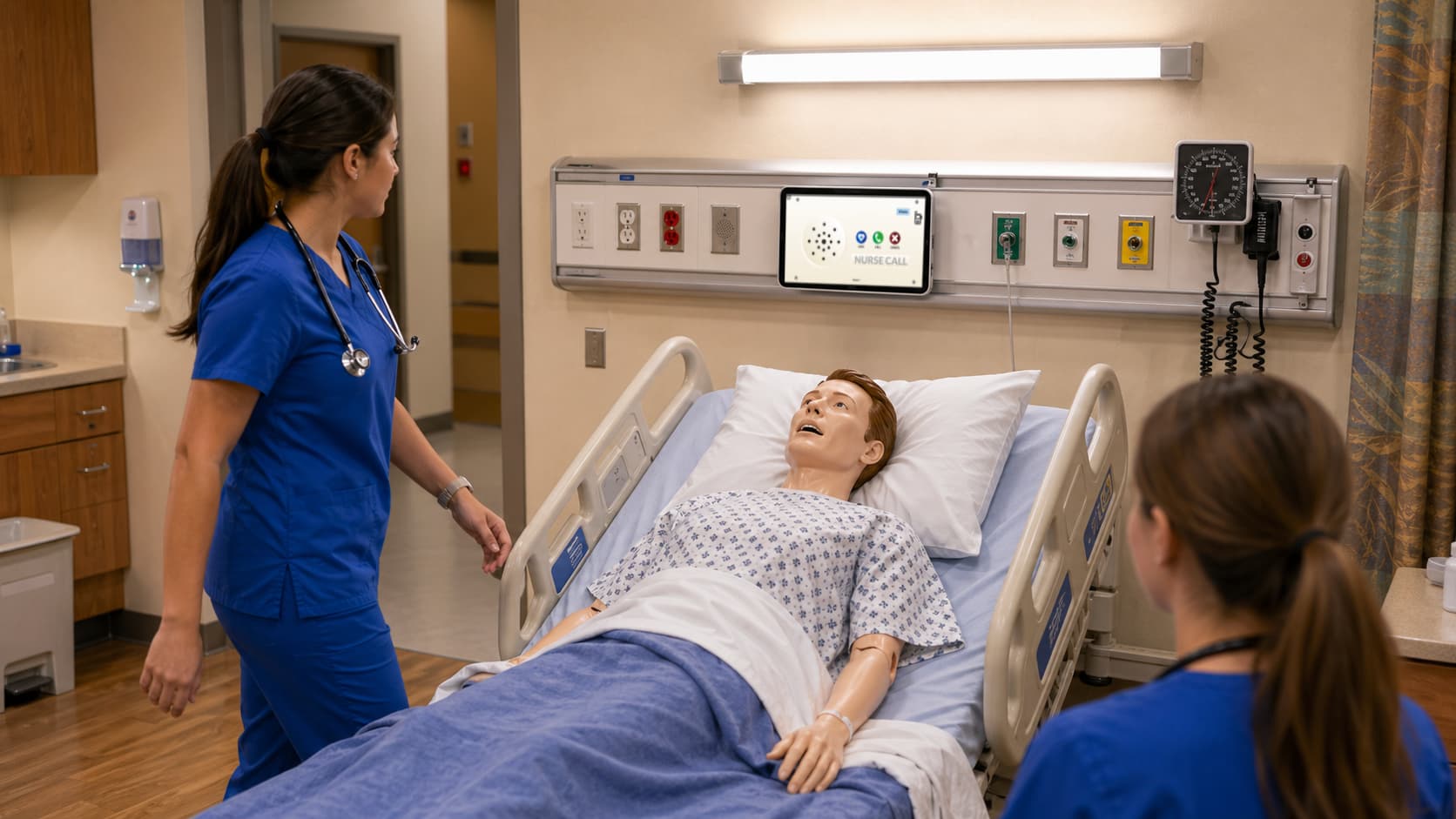
Bedside Tablets are assigned to patient rooms or beds. Each bedside device can run the Nurse Call Bell interface or the Vital Signs interface, depending on how the session is configured.
Connecting Your Devices
Connect your tablets with the Getting Started guide: make sure each tablet has internet access, then pair them with a one-time session code.