
Two-Way Feedback
Track all simulation events with the two-way feedback event log — alerts, student responses, and codes with timestamps.
The two-way feedback system provides a real-time event log on the instructor device, tracking all communication and actions during a scenario. Every alert sent, student response, and code called is recorded with a timestamp for review and debriefing.
Event Log Panel
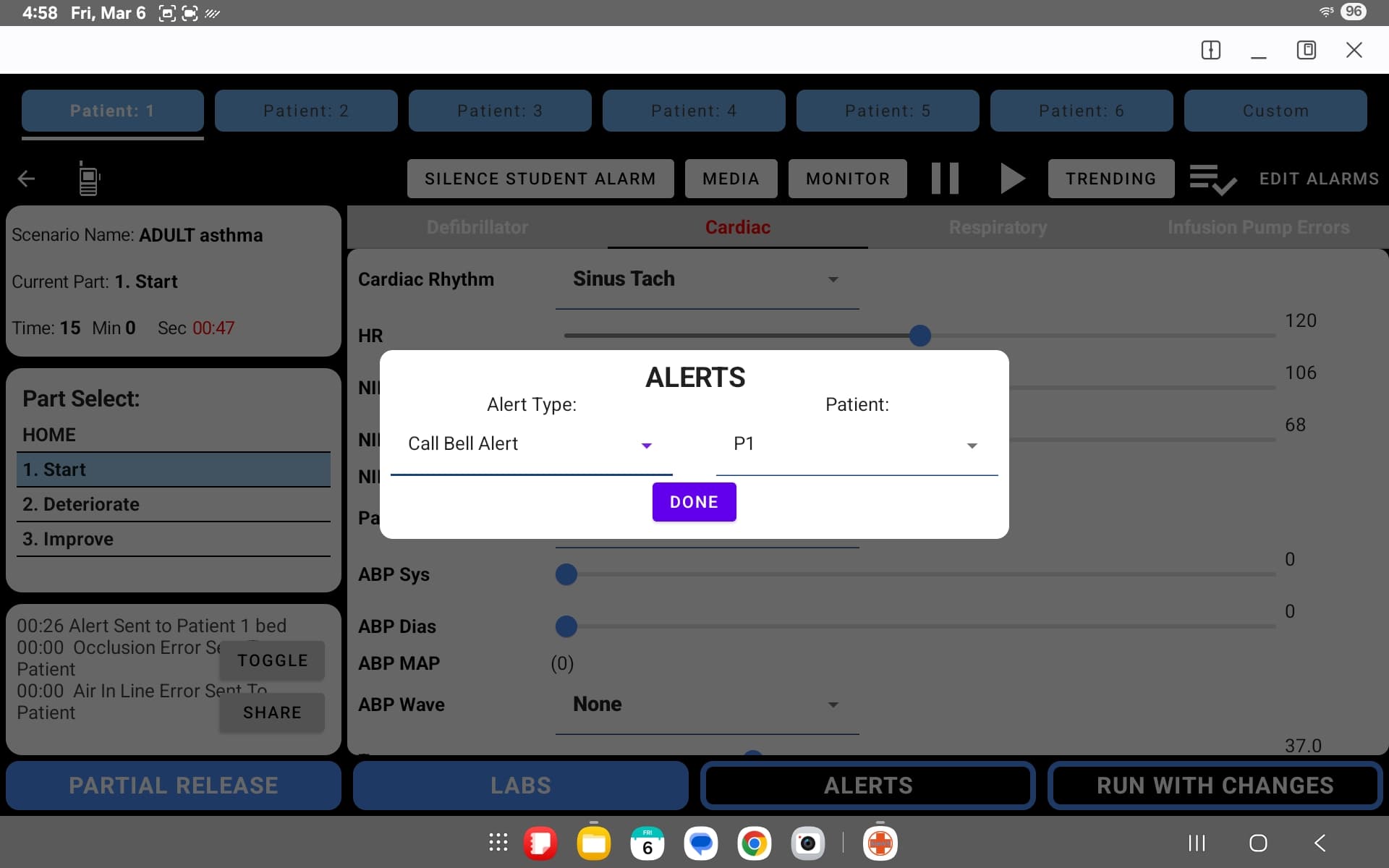
The event log appears in the bottom-left corner of the instructor screen. It displays a chronological list of events that occur throughout the scenario.
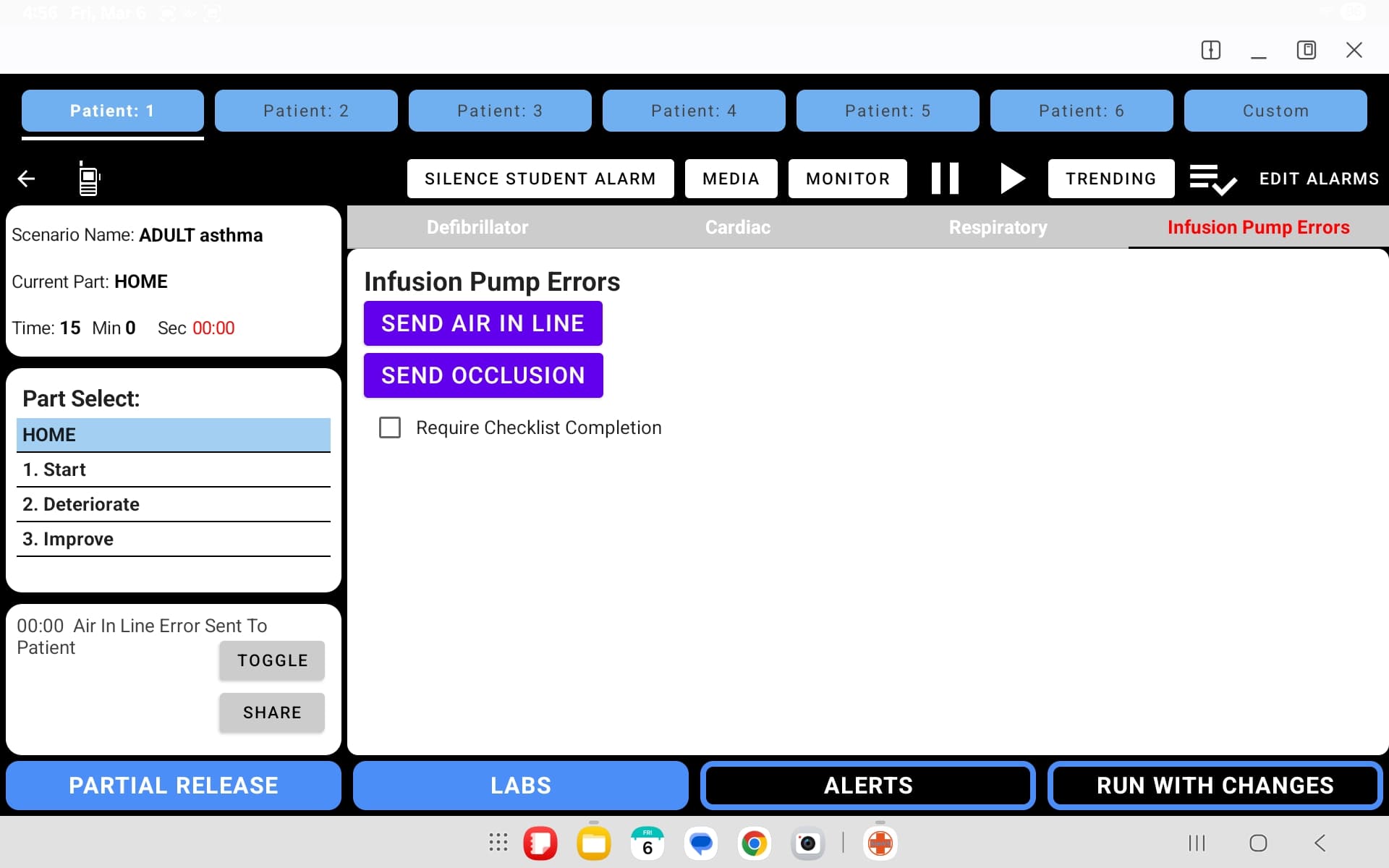
Event Format
Each event entry includes:
- Timestamp — elapsed time in
MM:SSformat (e.g.,00:07,00:32) - Description — what happened, including the device, patient, and alert type
Example entries:
Event Types Logged
| Event | Description |
|---|---|
| Alert Sent | Instructor sent an alert (Call Bell, Bed, IV Pump, or other type) to a patient |
| Student Accepted | Student tapped Accept on an alert in the Nurse Station Overview |
| Student Declined | Student tapped Decline on an alert |
| Code Called | Student initiated a Code from the Nurse Call screen |
| Call Requested | Student initiated a Call from the Nurse Call screen |
Controls
- TOGGLE — expand or collapse the event log panel to see more entries or reclaim screen space
- SHARE — export the event log for post-simulation debriefing and review
Debriefing Tip
Use the SHARE button after a scenario to export the complete event log. This time-stamped record is valuable for debriefing sessions, helping students review their response times and decision-making.